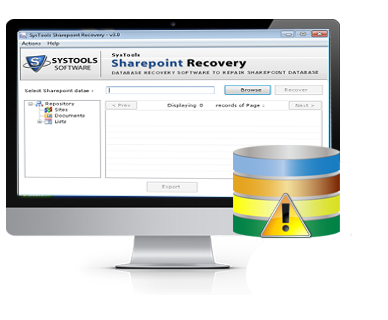
Microsoft Office SharePoint Server (MOSS) is a collaborative portal application based on the Windows SharePoint Services (WSS) platform. It is used to host websites that access shared workspace, documents, content database etc. Users can manipulate proprietary controls (web parts), lists and document libraries. All these information saves in the MS SQL Server (MDF) database file.
Some times that MDF database file gets corrupt due to any unpredicted cause & SharePoint administrators face problems. This SharePoint recovery software recognized the collision of SharePoint server database files corruption issue and provides an excellent SharePoint document recovery tool to recover SharePoint documents with all data (file, sites, web part, content database etc) from damaged MDF file.


Recover SharePoint Data
This tool is a smart solution to restore SharePoint content, form, file, web part, documents and other all data from damaged MDF file.

View Report
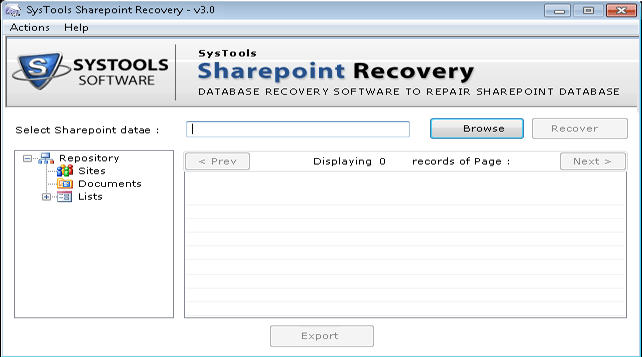
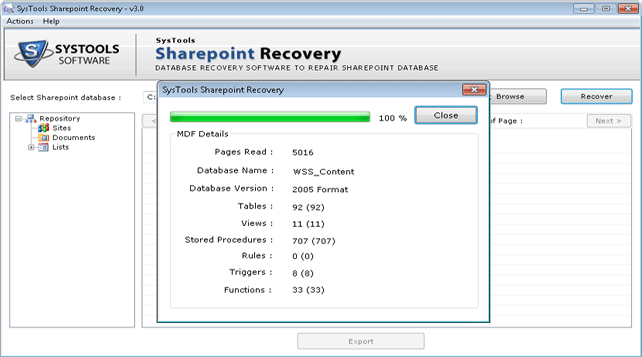
It performs deep scan and give report of recovered items like Pages read,count of tables, views, stored procedures, Triggers, functions.

Recover & Preview
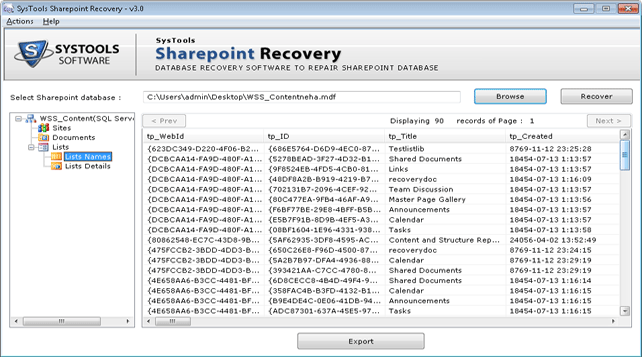
To validate as well as verify tool provides the preview of recovered components like documents, tables, triggers & rules etc.

Export In Two Ways
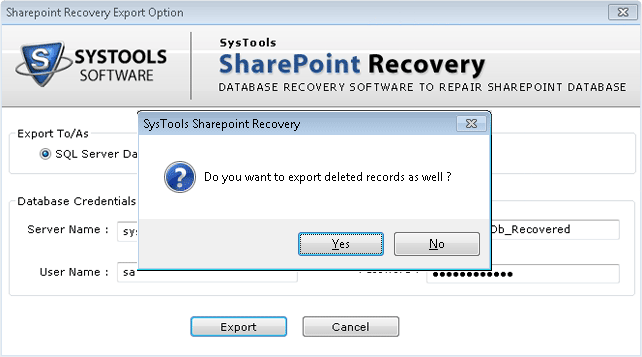
There are two options available in this tool to export the recovered data i.e. SQL Server and SharePoint Documents

Optional Export
Thus after recovery of SharePoint database files you can also export the selective components to the destination.

Support Server
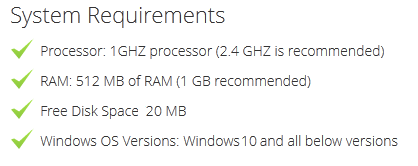
SharePoint Recovery software is proficient to recover data from MDF file created using MS SharePoint Server 2007 & SQL 2005, 2008.

Sometimes SQL Server (.MDF) database file fails to open and shows following error messages:
SharePoint data recovery software is a perfect solution to recover SharePoint data from database even if mdf file shows above errors. SharePoint database recovery software firstly scans the corrupted MDF file & then all the information that can be recovered using SharePoint Recovery Tool is previewed on screen.
Size: 2.1 MB | Version: 3.0
Trial pack offers to recover SharePoint data and gives only preview.
Demo Version for FREE!
NOTE :- To export the repaired documents & must purchase the Full Version
Benny Daniel, Great Britain
14/01/2017
As a database administrator in an IT firm, SharePoint Recovery was a great help to me when the SharePoint database MDF file got corrupted and none of the documents were accessible. Moreover, the tool's ability to extract documents separately from database is really appreciable. Really, I am extremely thankful to its developers
Mark Paul, Switzerland
05/06/2016
The ease with which the SharePoint Recovery tool retrieved and exported the damaged SharePoint database MDF file into SQL server was mind blowing. At first I was a bit scared but my view towards it changed, the minute I executed and recovered the inaccessible documents form corrupt MDF file. I am really pleased with the tool's performance.
 Product Guide